Cline Setup Guide
Install Cline plugin in VS Code and connect to platform API
1
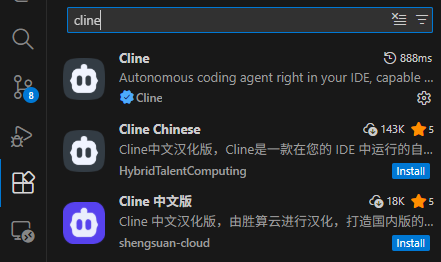
Install Cline Plugin
Search "Cline" in VS Code extension marketplace and install the official version.
2
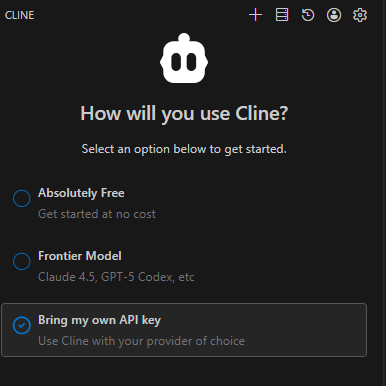
Select API Key Mode
Open Cline plugin after installation and select "Bring my own API key".
3
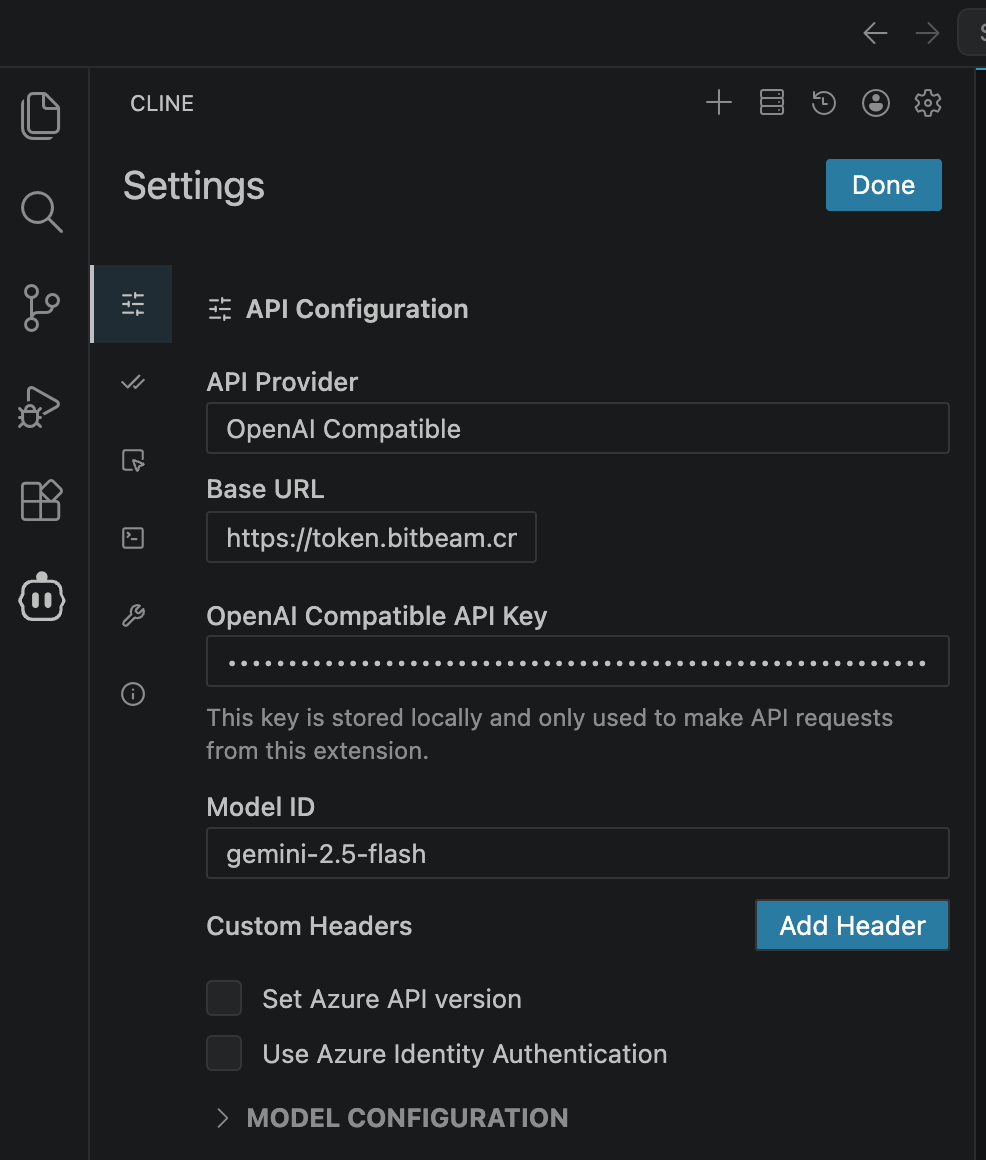
Configure API Connection
| Field | Value |
|---|---|
| API Provider | OpenAI Compatible |
| Base URL | https://token.bitbeam.cn/v1 |
| API Key | API Key created in "API Keys" management |
| Model ID | Model ID from Model Market, e.g. deepseek-chat, gpt-4o |
4
Start Using
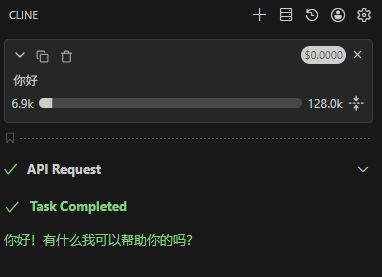
Configuration complete. Start a conversation and Cline will call the platform API.